Description
CAN Box Tool – Advanced Automotive Communication Interface
Overview
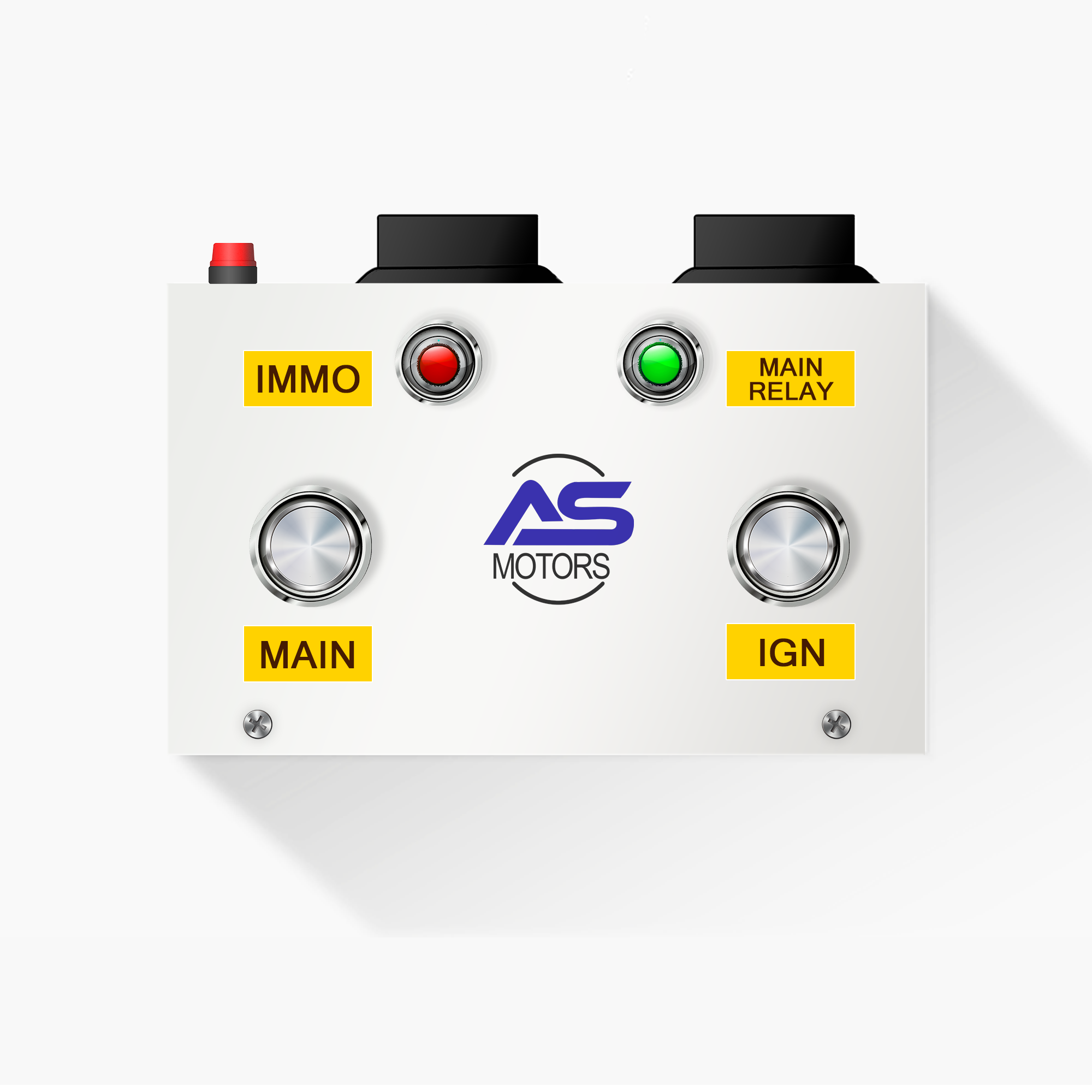
The CAN Box Tool is a compact yet powerful automotive communication interface device designed to interact with a vehicle’s Controller Area Network (CAN) systems. Essential for modern diagnostic, ECU programming, coding, and automotive electronics work, this tool is a must-have for professionals and advanced technicians.
Whether you’re working on ECM/ECU repair, immobilizer programming, or pinout tracing, the CAN Box ensures precise communication between your diagnostic tool and the vehicle system.
Key Features
- Multiple Protocol Support: Supports major automotive communication protocols including CAN, K-Line, and UART.
- Wide Compatibility: Compatible with major OEM ECUs and aftermarket tools like Autel, Launch, XTool, G-SCAN, and more.
- Direct Pinout Testing: Easily connect with ECM/ECU for direct signal testing, pin mapping, and output checking.
- ECU Bench Work Ready: Ideal for bench-level ECU programming, reading, and writing.
- Built-In Fuse Protection: Protects your equipment and vehicle from short circuits or reverse polarity.
- Signal Indicators: LED indicators for CAN-H, Power, and Ground – monitor signal flow and fault detection in real-time.
- Customizable Interface: Manual switches and jumper pins for adjusting configuration as per project requirements.
Working & Usage
- 1. Connect the CAN Box to your diagnostic scanner or laptop using OBD or DB connectors.
- 2. Power the device using an external power source (12V/24V).
- 3. Connect the leads to the ECU or wiring harness as per the wiring diagram.
- 4. Use CAN-H and CAN-L channels for communication and data reading/writing.
- 5. Monitor the LED indicators to confirm signal activity and diagnose any faults.
- 6. Use in bench testing setups for safe and controlled ECU operations.
Ideal For
- ECU/ECM Bench Testing
- Automotive Diagnostics
- Pinout Signal Testing
- ECU Cloning & Programming
- Immobilizer Bypass Tasks
- Automotive Trainers & Institutes.